Capture quickly
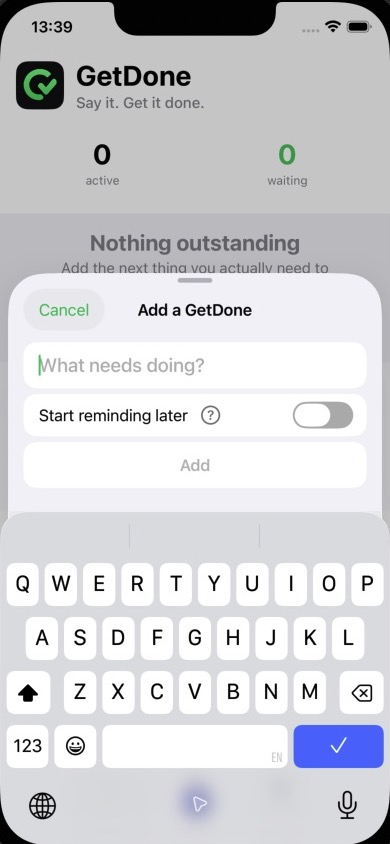
Type a task, or say “Siri, add something to GetDone” and Siri will ask what you need to do.

Reminders that persist
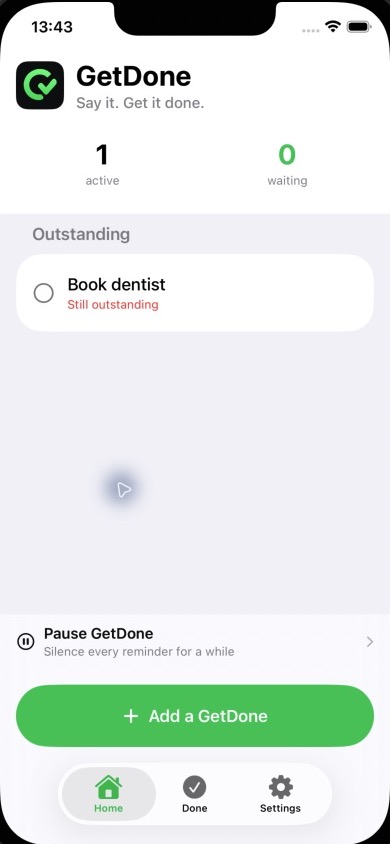
Add what matters in seconds. GetDone keeps reminding you until you mark it done.
The app
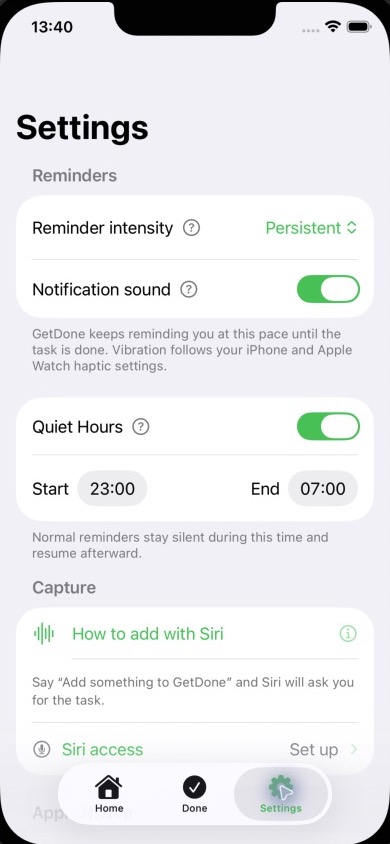
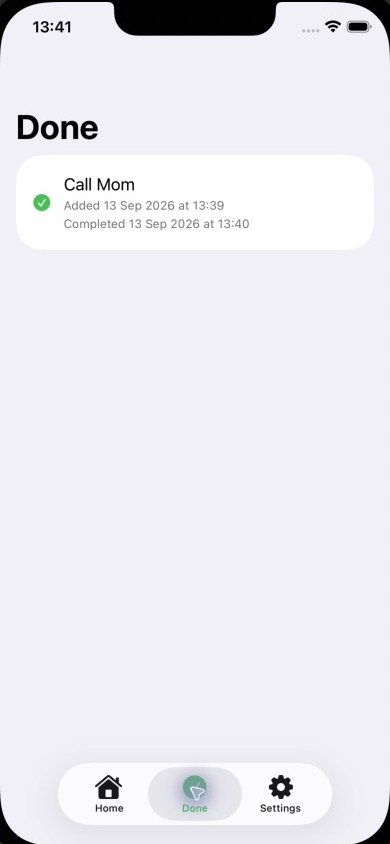
Capture a task, choose how firmly GetDone should remind you, then close the loop.
Say it. Get it done.
Type a task, or say “Siri, add something to GetDone” and Siri will ask what you need to do.
Begin reminders immediately or choose a specific future date and time.
Annoy Me reminds every 30 minutes, Persistent every hour, and Gentle every two hours.
Mark a task Done or choose Later from GetDone, its notification, or your paired Apple Watch.
Need help?
Find quick fixes for notifications, Siri, reminders and Apple Watch.